You’re right, there should be, but for now there’s no easier way. Check out other users’ posts. This issue has already been reported multiple times. The eWeLink team will look into it once they’re back at work on October 9th. Right now, it’s a national holiday in China combined with the weekend, so they’re celebrating and resting like anyone would on such an occasion.
Keep in mind that version 4.x is still in testing and development is ongoing. By participating in early access, you should be aware that not everything works as expected—it’s meant to catch bugs and gather feedback. So don’t grumble, be patient and constructive
As far as I know, it’s not implemented yet. And you can’t upgrade without being enrolled for a test ride. But if you are, you need to be aware of potential shortcomings. It’s a work in progress.
No grumbling, just telling my experience. I’m very happy how it’s already working. I bought a lot of NSPanels and one was already rooted where I could use HA app already. All others are currently not really useful as my HA uses a self signed certificate and I cannot connect to it with the normal options. Now I’m very happy.
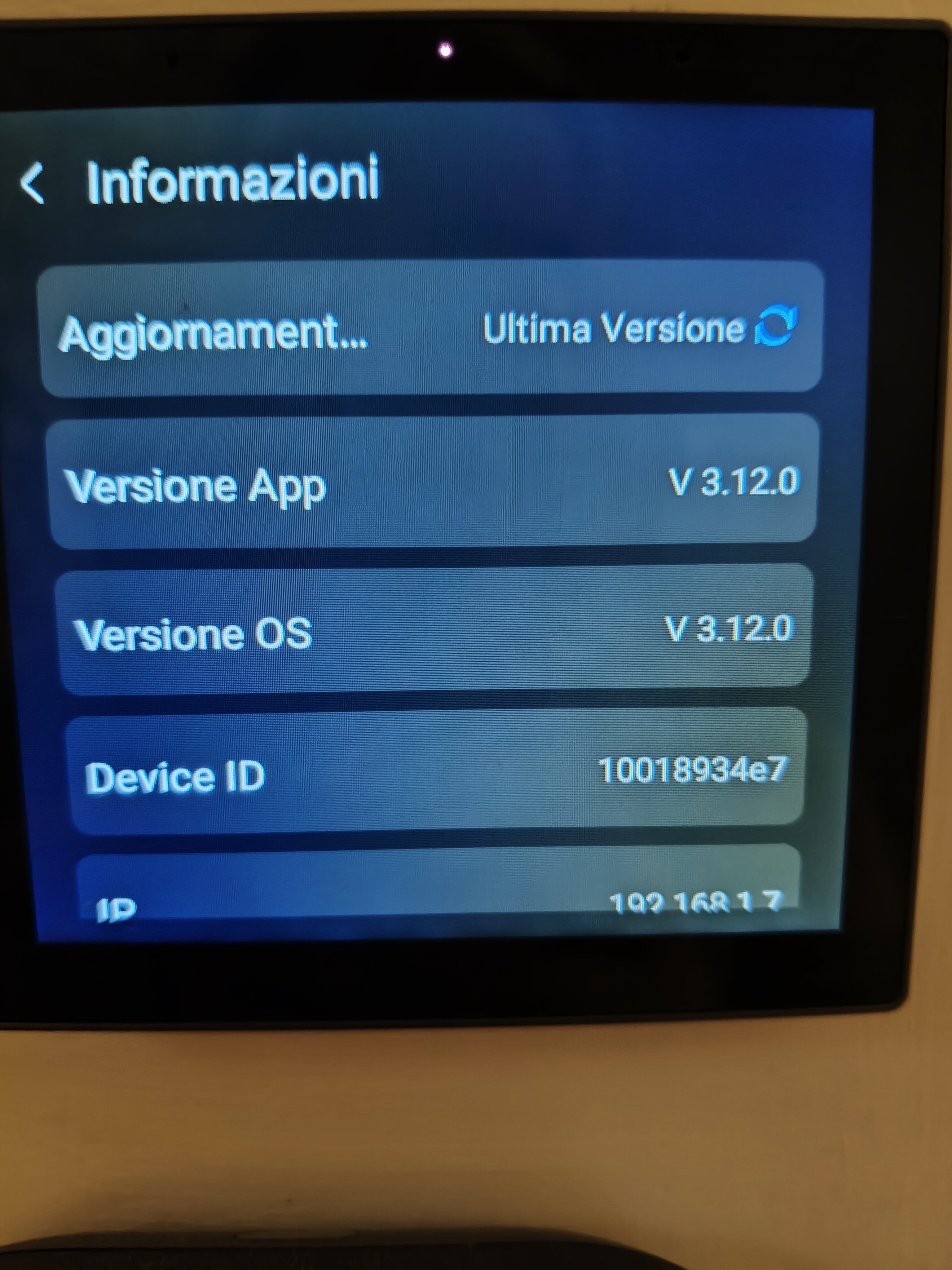
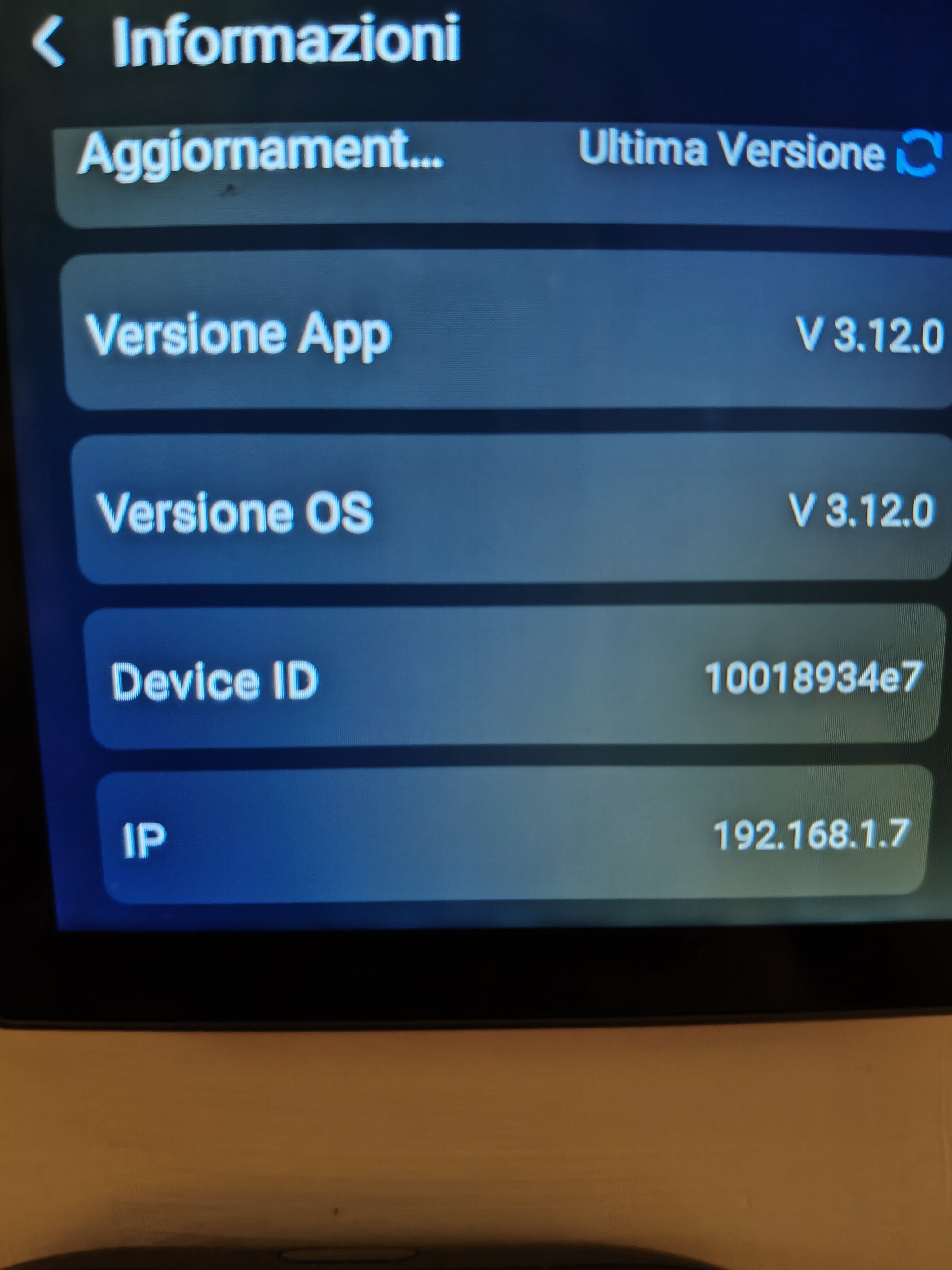
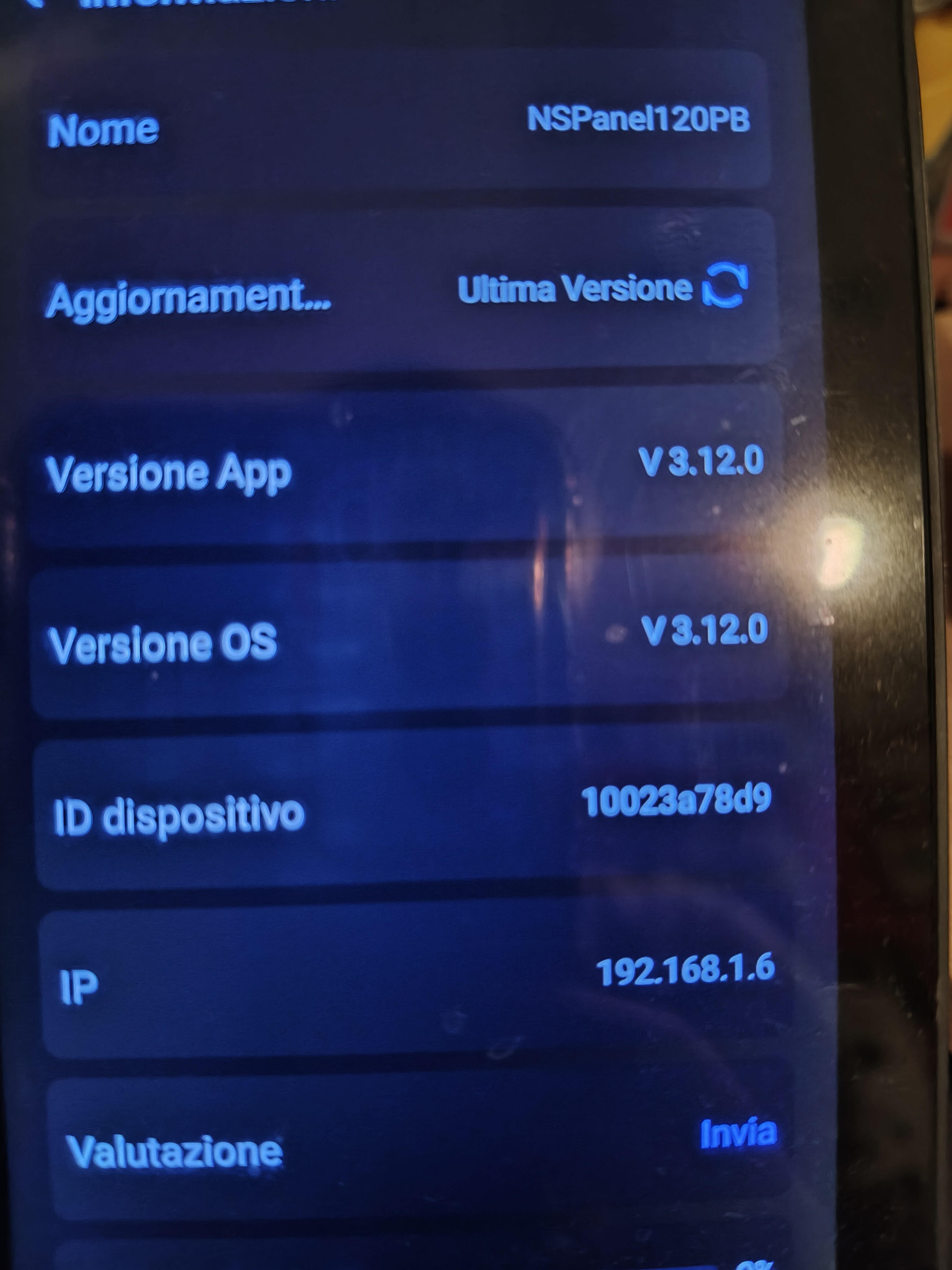
NSPanel Pro V4.0.x firmware hasn’t added OpenAPI support yet. OpenAPI related functions will not be available. For example Paral-Sync. Paral-Sync Add-on depends on the OpenAPI of both iHost and NSPanel Pro.The up coming V4.1.x version firmware should have OpenAPI support.If you can accept it, please send me your device ID in a private message.We will arrange a V4.0.X firmware OTA update for you as soon as possible and notify you after configuration.
Are you referring to F-Droid? If that’s the case, it’s not the OS running on the NSPanel Pro. It does not replace the operating system of the NSPanel Pro (which is still based on a modified version of Android).
F-Droid operates as a standalone application installed on the modified Android system of the NSPanel Pro. It does not run apps in a sandbox or virtual machine - applications installed via F-Droid run natively, just like any other Android app. It does not alter the main interface of the NSPanel Pro. It doesn’t replace its launcher or Sonoff’s GUI.
It doesn’t create a separate environment. It’s not a container, emulator, or virtual machine. You can think of it as: an alternative app store, like Aurora Store or APKPure, but focused exclusively on open-source applications.
NSPanel Pro has never had native integration with Home Assistant. You’re probably referring to the dashboard shortcut. That is, displaying a webpage generated by Home Assistant on the NSPanel Pro screen. In short:
It doesn’t use any API or direct integration.
It simply launches the built-in browser to render the page.
The experience depends on the layout and responsiveness of the target webpage.
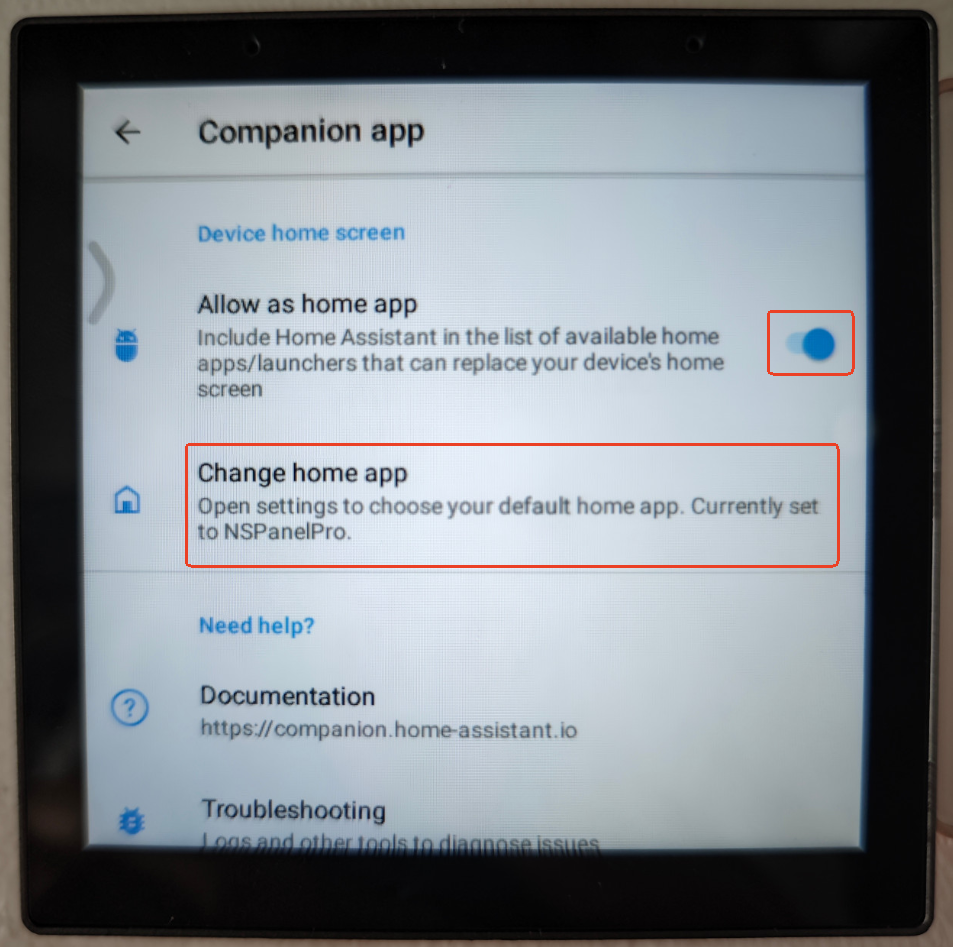
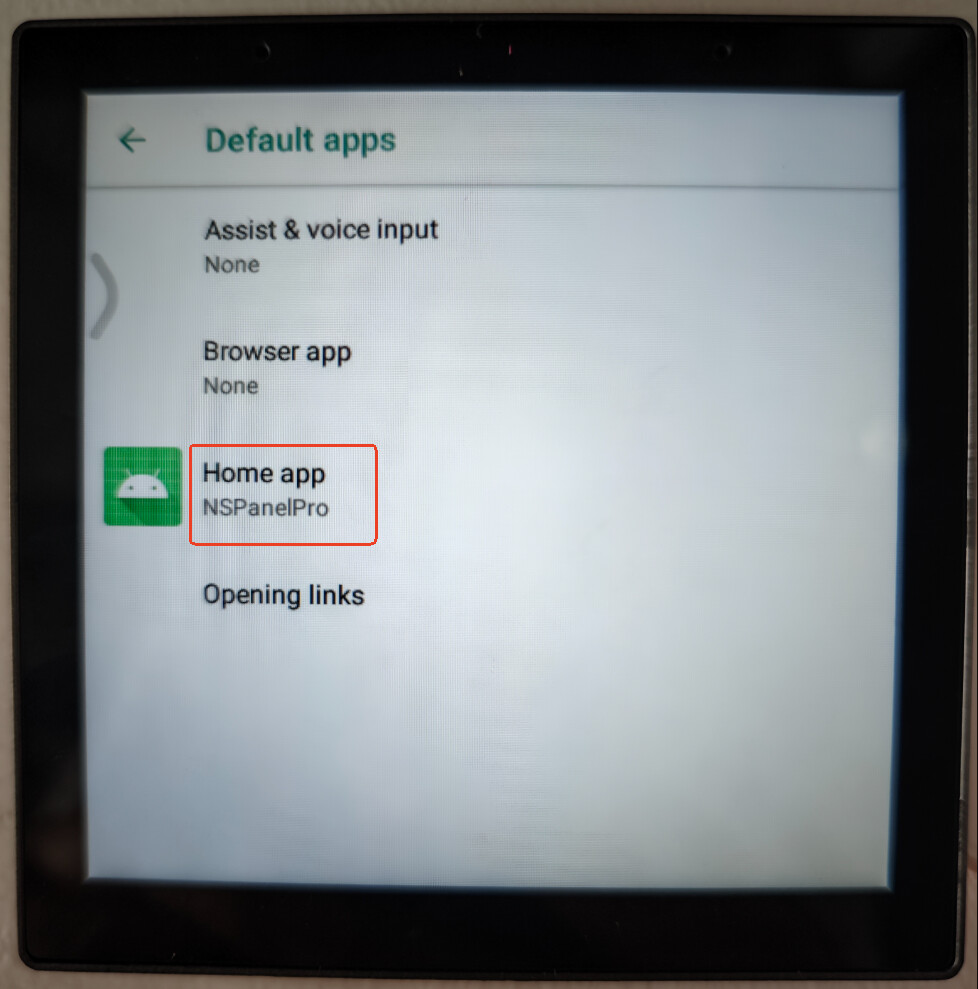
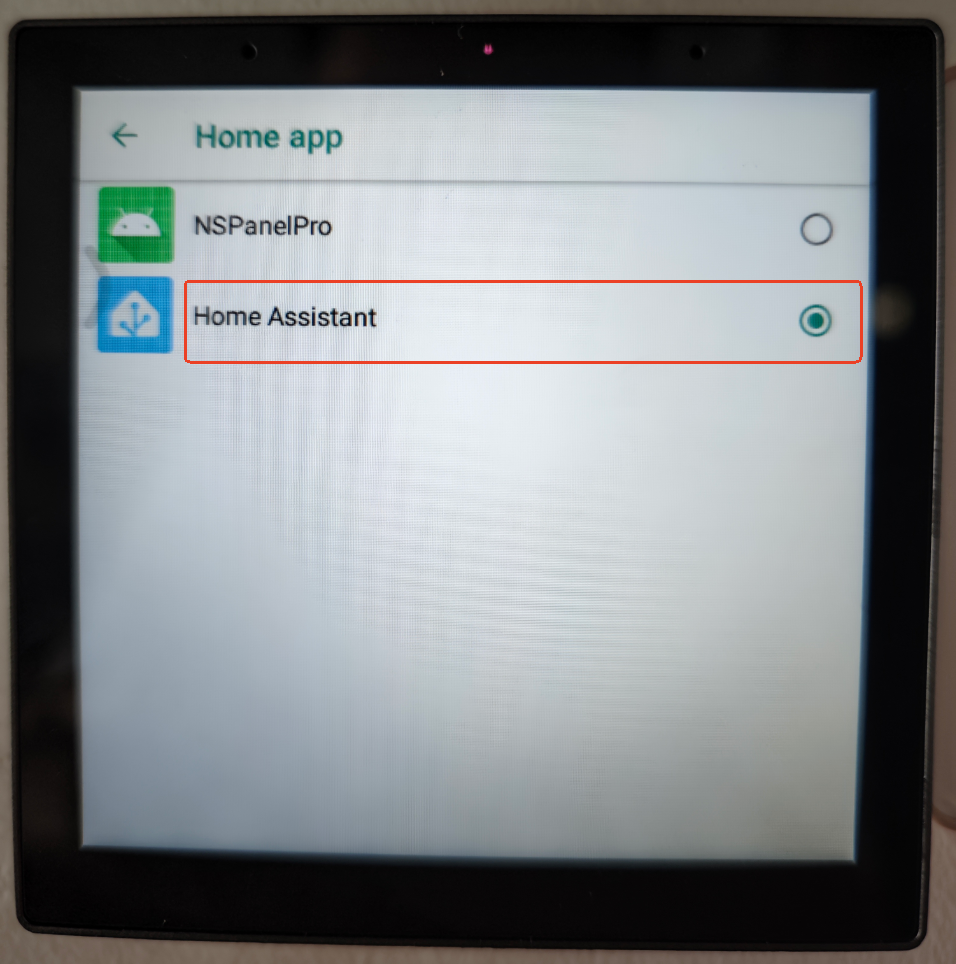
You can do it by enabling HA companion as a launcher app. This can be done via the comapnion app settings. I this case HA app will always run after restart.
You have to rememeber that this will also have some downsides:
the default launcher will not run in background anymore (no ewelink connection, no access to native nspanel functions, no nspanel menu…)
To revert:
enter HA companon app settings and change launcher back to nspanel pro default
Sure, that works. You can get the same result in a few other ways too. Still, it’s not the most convenient or elegant solution. The issue’s already been flagged on the forum, so we’ll probably hear more once the eWeLink/Sonoff team gets back to work after the holiday break. China’s currently on a national holiday, plus a few extra days off.
Hello, I updated my NS Panel Pro 120 device to V4.0.4.
However, I am experiencing issues.
My Zigbee devices keep disconnecting. I constantly have to restart the device. Sometimes the screen goes completely black, and I have to restart it via Ewelink to get it working again.
The Door/Window Sensor (SNZB-04P) is not working reliably.
After receiving data for 1-2 hours, I cannot see any records from the Temperature Humidity Sensor (SNZB-02D) on Ewelink.
Scenarios connected to the Zigbee Smart Switch (ZBMINIR2) are not working.
The SwitchMan R5 Scene Controller controls WiFi devices but does not run scenarios involving ZIGBEE devices.
How can I revert to the old version? Everything worked perfectly in the old version.