Hello, I installed the 4.0.0 update on my NS Panel Pro 120 over the weekend. I encountered crash issues. After updating to 4.0.4, the crash issues ended.
However, I am still experiencing issues with my ZBMINIR2 connected devices.
My scenarios that used to work with the R5 Scenario buttons are not working now. For example, scenarios with WiFi devices like BASICR4 are working. But scenarios using Zigbee devices are not working with the R5 buttons.
Hi, sorry for the issue. Could you send me your deviceid through the private message? And also the OS version of your NSPanel Pro (You could find it on the Settings → About page of NSPanel Pro’s top drop-down menu)
To fix the bug with Z2M we will have to re-pair the nspanel ?
No no no. I mean it’s a bug related to the information display on Z2M, not the router function. Even through Z2M states NSPanel Pro is not recognized, NSPanel Pro is still joined the Z2M network, and can work as a router.
You don’t need re-pair NSPanel Pro.
Is it necessary for the Rubik application to be loaded for the protocol zigbee (router mode) to work with z2M?
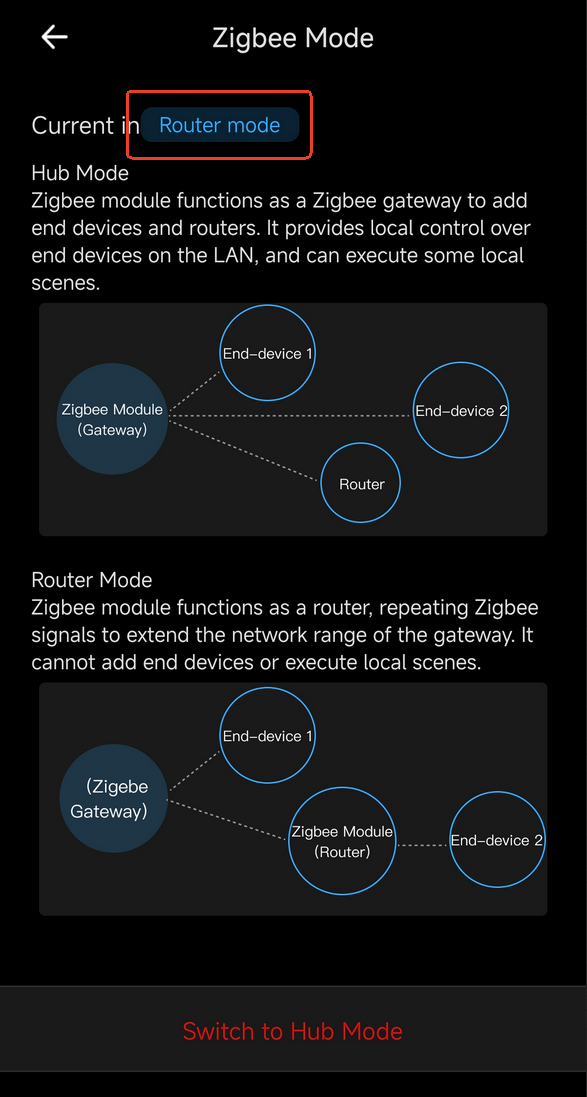
Rubik application? You mean the built-in NSPanel Pro App? For now, you will need to set NSPanel Pro as the Home App (this is the default setting) in order to run Zigbee functions (Hub mode, or Router mode). We plan to support other Apps like Home Assistant as the Home App.
So you’re going to contact the z2m administrator (koenkk) to fix the bug?
Yes, I’m talking about the built-in NSPanel Pro App.
Thanks, but I don’t use HA with my nspanelPro 120, but the Jeedom application, which is a competitor and works very well on the nspanel.
What your interface is missing is a way to leave it active as a screensaver and let us display it while letting us configure another application when the device wakes up from sleep!
So you’re going to contact the z2m administrator (koenkk) to fix the bug?
It’s our fault, not Z2M’s or Koenkk’s. We are working on solutions right now, but either way, we don’t need to bother Koenkk.
What your interface is missing is a way to leave it active as a screensaver and let us display it while letting us configure another application when the device wakes up from sleep!
Hi, thank you very much for your feedback. Could we prepare a debug version just for your NSPanel Pro so the built-in Logger could log more information (of course anonymously)?
There was a configuration issue in our OTA service, but now it has been solved. Please check the latest firmware which is v4.0.12 right now through Settings -> About -> Software Update on your NSPanel Pro device.
Hi, because ADB was enabled on your device, the previous operation did not take effect. It has been reprocessed. You can now refresh to get the latest version and try again.