Hi there!
How can I control the devices MINI-ZBRBS from NS Panel Pro?
If I sync the device from the NS Panel pro o from the ewelink app, I’m not able to see this device in the NS Panel Pro?
Thanks!
Hi there!
How can I control the devices MINI-ZBRBS from NS Panel Pro?
If I sync the device from the NS Panel pro o from the ewelink app, I’m not able to see this device in the NS Panel Pro?
Thanks!
I have a couple of questions to confirm:
Is the bridge for MINI-ZBRBS the NSPanelPro?
After selecting “Sync Device Widget” in the app, does the device not appear on the NSPanelPro?
Could you provide your device id? Also, please remember to submit the logs promptly after troubleshooting (on NSPanelPro: pull down → Settings → About → Submit).
Hi
Yes, the bridge for the minizbrbs is the nspanel pro
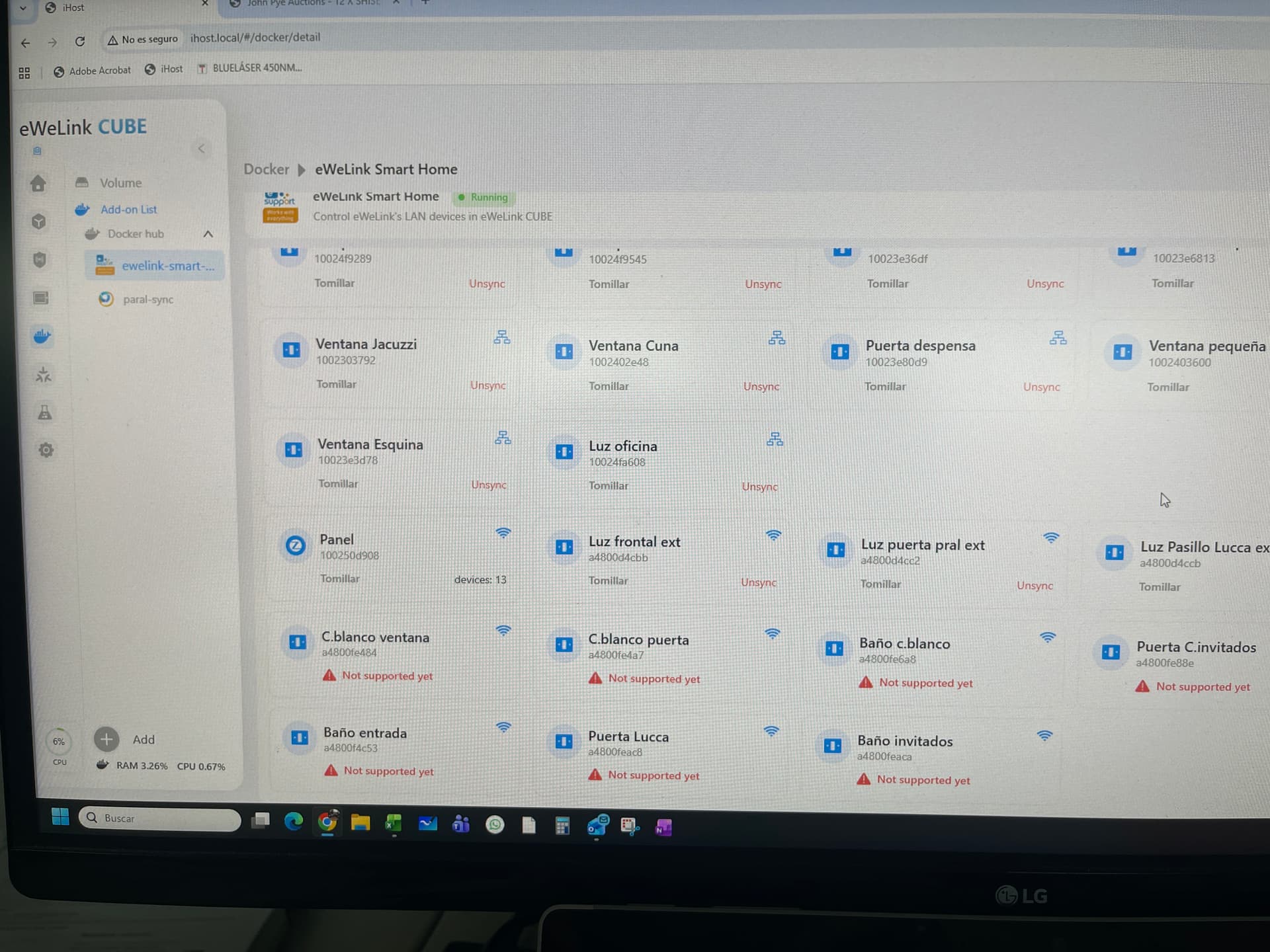
Now I can manage fron the nspannel pro. After the las update of ewelink-smart-home in the ihost, I can see them, but message of not supported yet appears
Good news is that the zbminiR2 can me managed from nspannel pro, from ewelink app and now also from ihost website
Yes, the current version does not yet support syncing this device. The add-on version scheduled for release around next week (November 10th) supports. Please keep an eye out for the new version update. If there is any latest news, I will also keep you updated promptly.
You need to touch and hold the ZBMINI-RBS icon
Thank @ociepa.ekotox for the help.
@bustavin Yes, you need to touch and hold the ZBMINI-RBS icon. This behavior is unintuitive and even tedious. We plan to change it.
Why in my system always there are fails when I execute the open/close devices? Wifi or zigbee, it’s the same, any device can fail it’s like random
MINI-ZBRBS Or ZB-MiniR2
Hi, we are focusing on NSPanel Pro related features and bugs in forum category.
If you encounter any issues using eWeLink App, please Submit Feedback through Profile -> Help & Feedback -> Feedback in eWeLink App. Our customer service team will handle those feedbacks.