Hi, could you verify that the Router Mode is working through 2 ways:
-
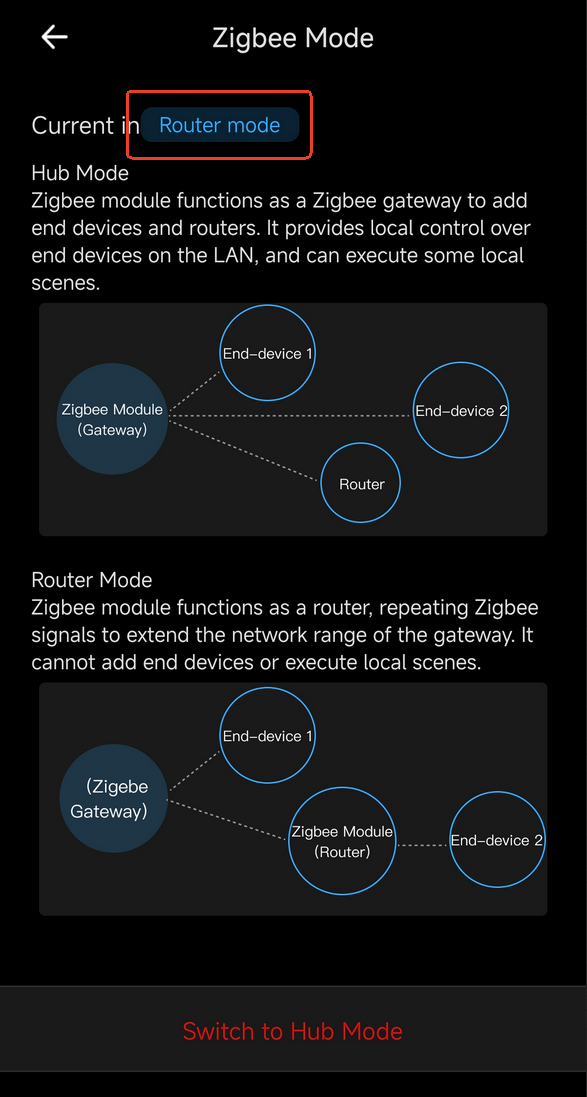
eWeLink App → NSPanel Pro → Device Settings → Pilot Features → Zigbee Mode: Whether it shows
Router modeasCurrent in
-
NSPanel Pro Screen → Top drop-down menu →
Bind to Gatewayon the top left corner

If Router Mode is working, but you can’t find it in Zigbee2MQTT or ZHA, you could try to re-pair it through Bind to Gateway.