Today I noticed that the Remote features are not working. Also, Mattermost is not working for me in iHost.
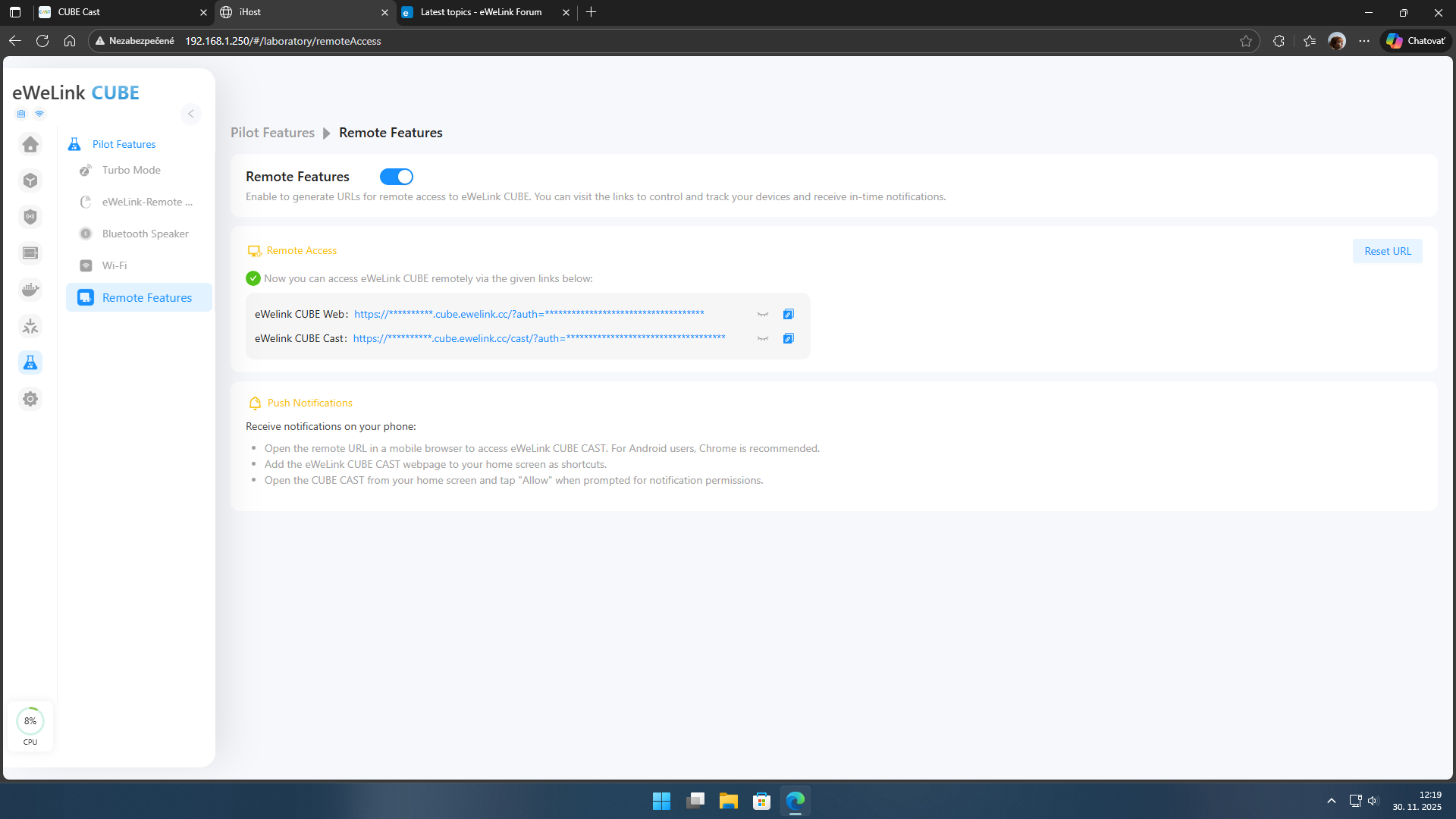
error message when I try the Remote feature …

Matter bridge not working in iHost show:


And in eWelink show matter bridge is offline.
Regarding the issue that your remote control function is not working: Are you unable to access it normally by clicking the remote links for both Web and Cast? Additionally, your eWeLink Web shows that the Matter bridge device is offline—what model of gateway are you using in eWeLink? If it’s convenient, you can send the latest gateway logs of iHost here.
It’s already been a while, maybe there was a glitch. The Matter Bridge started up, but I don’t see all the devices that say they are imported. Can the SNZB-02D device be imported into Matter?
Sorry, could you please describe your “import” process in detail? And could you also provide the model number of the Matter Hub you are using?
I have iHost to share devices with iHost to NSpanel pro. So I turned on matter in iHost and shared with ewelink account. SNZB-02D devices are nicely marked in iHost and it seems that we are sharing via matter, but I don’t really see them. matter bridge number: ac68000923
Lool here, the matter bridge is not working.

SNZB-02D is missing, which in iHost are synchronized with Matter. They are not visible in the eWeLink app. It is not possible to control the smart bulb.
Okay, could you please send the latest logs here? I will submit them to the technical team for problem localization. This may involve an issue with the central control screen. Thank you for your understanding.
Have you downloaded the eWeLink app? You can download and submit logs there.
I hate ewelink app, how to download the loga from ewelink app?
If you cannot see this device on the central control screen, you can open the central control screen and go to: Settings – About – Feedback to automatically submit logs without downloading them.
If you cannot see this device on the APP, you can go to: Settings – Issue Feedback – Feedback – Submit Feedback and check the box to agree to upload the APP running logs; this also does not require downloading.Hope this helps you!
I do it.
