@alyusuph What automation you can setup with Sonoff iHost Indicator integration, but not with iHost Hardware Control add-on? Could you give me some specific examples?
@imassig I am checking Sonoff iHost Indicator integration. I will get back to you soon.
o.k. thanks
My challenge is to create a HA automation that changes the side strip colour to red when there is a persistent notification.
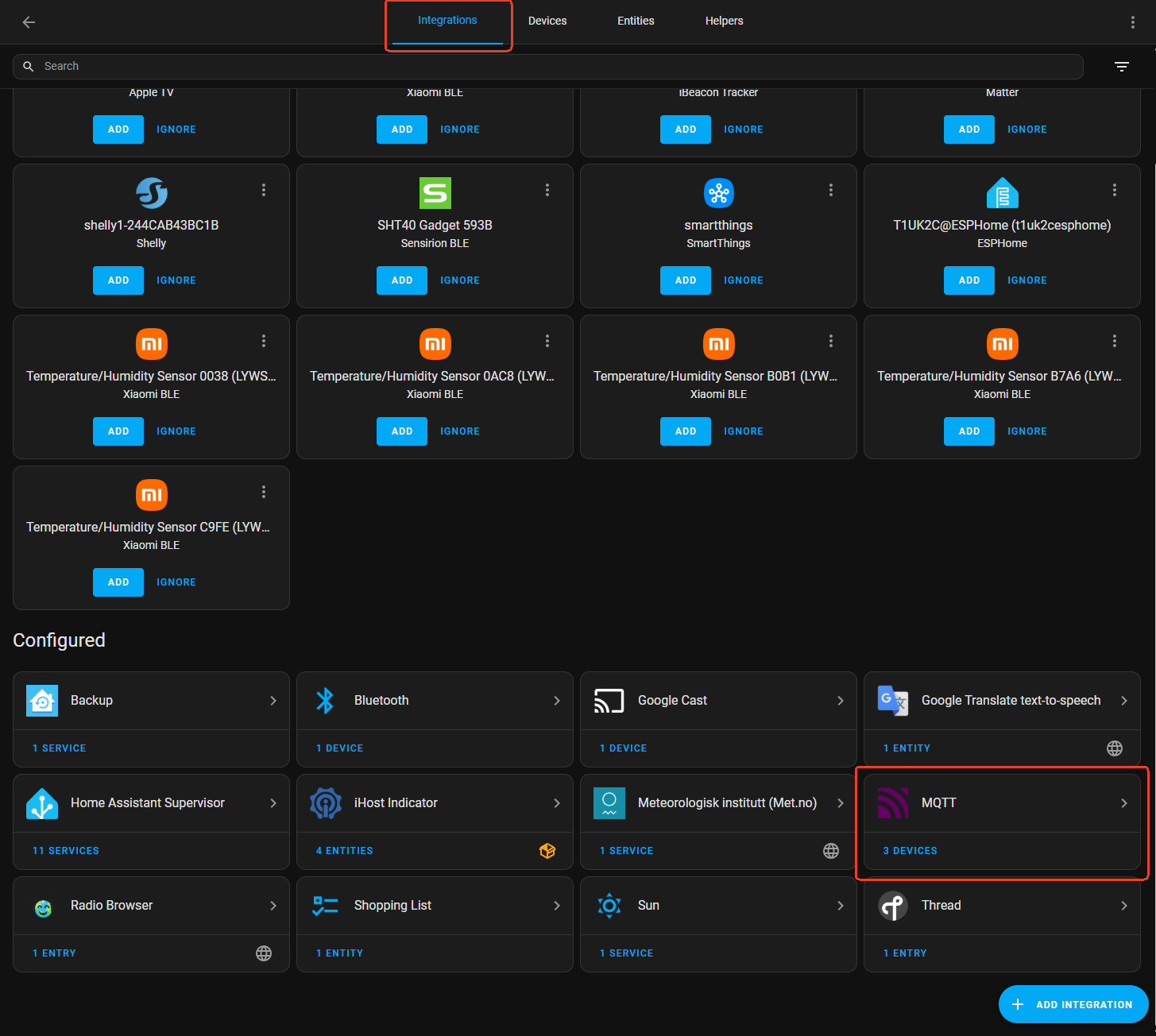
Hi @alyusuph , I found it simple to use persistant notification as a trigger, and Change iHost Indicators Side Strip option as an action.

If you can’t find the iHost Indicators device or Change iHost Indicators Side Strip option action, please make sure you have enabed MQTT integration in Settings -> Devices & services -> Integrations.
Hi @imassig, you are absolutely right. The brightness of LED Side Strip can be adjusted. We will add this feature to iHost Harware Control add-on ASAP.

nice 
Thanks! I managed! This is so cool!
Hi, I tried to boot from SD Card and pressed the mute button.
The color changed to breathing blue, but then switch to moving red und back to blue and so on.
In this mode the the iHost stays all the time.
Can someone help me?
I downloaded the last HA image from GitHub project for the HA over iHost corresponding image: iHost-Open-Source-Project.
Thank Flashing HA Over iHost Image to Micro SD Card with Balena.
Thx
Robert
Hello, thank you for providing such detailed information about the LED indicator changes. Based on your description—the LED changing from a marquee pattern to a blue breathing pattern and then back to a marquee pattern—this usually indicates that the system attempted to switch back from HA to CUBE but failed to complete the startup process successfully.
To help you switch back to the CUBE system smoothly, please try the following steps again:
- Power Cycle: First, disconnect the iHost from the power source, wait a few seconds, and then reconnect it to power.
- Button Trigger: Within 3 seconds of the device starting up, repeatedly press the Mute button (♪) on the top of the device several times.
- Observe the Indicator: If the operation is successful, the LED strip on the side of the device should change to a red marquee effect. This indicates that the system is switching back to eWeLink CUBE. Please wait patiently for the startup to complete (this usually takes a few minutes).
If you still encounter the “marquee → blue breathing → marquee” cycle you described earlier, it means the switch was not successful.
If the device still cannot enter the CUBE system after following the steps above, please let me know the specific current behavior of the LED indicator (e.g., is it breathing, or showing another pattern?), so we can continue with the next steps of troubleshooting. Thank you again for your patient cooperation.